




Your business processes run on email. Supplier invoices, customer requests, supporting documents, follow-ups: everything lands in a mailbox, and someone has to sort, extract, chase and forward. It is repetitive, it eats hours, and it is exactly the kind of work an AI email agent can take over.
That leaves one question most tutorials skip: how do you give it access to email without opening up the whole company inbox? This article covers the steps to follow and the practices that separate a demo that runs from a system you can leave in production.
What is an AI email agent?
AI email agent or email assistant: the distinction that matters
Two families of tools currently carry the “AI” label on email, and they do very different jobs.
An email assistant works inside your inbox, alongside you. It drafts replies, summarises a thread, sorts your messages, suggests an answer. Some newer mail apps push the idea further and replace your email client entirely, but the principle is unchanged: you stay in charge, and nothing goes out without your approval.
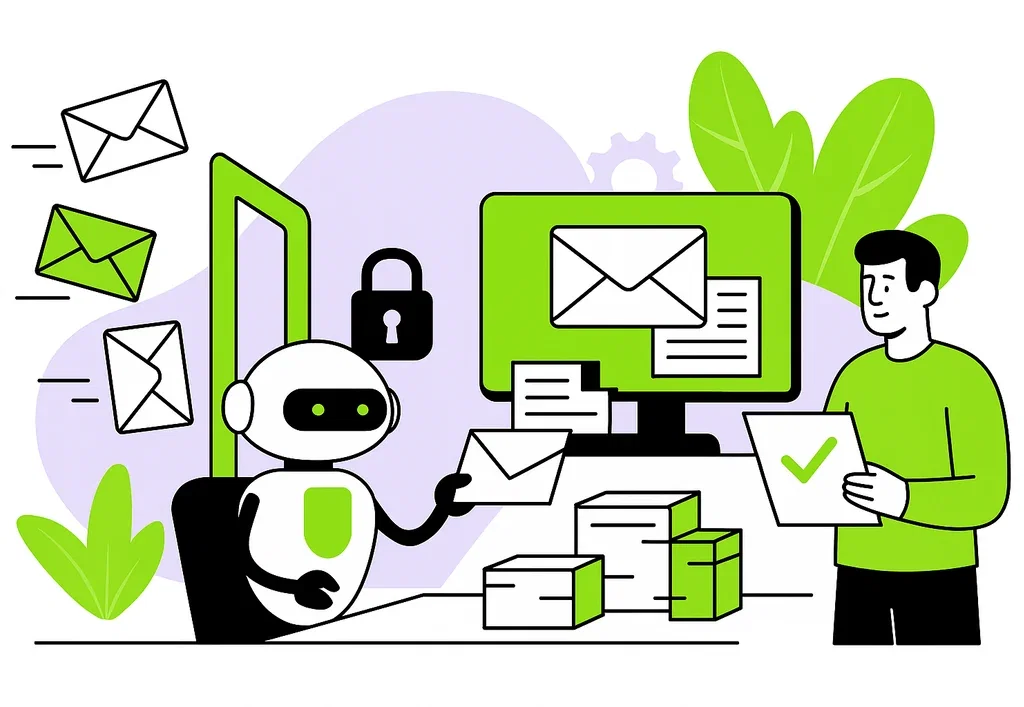
An AI email agent does not work alongside you, it works in your place. It has its own address, receives the messages tied to one specific process, extracts what matters, acts in your systems and replies to approved contacts. It does not save you time on your inbox: it takes over a link in your processing chain. We explored this distinction between executing and assisting in our comparison of AI agents and AI assistants.
Why email is still where business processes happen
Email could have been written off years ago. It remains the entry point for most exchanges with the outside world, for a simple reason: your suppliers, customers and partners already use it. No portal to roll out, no account to create, no adoption to negotiate.
Email has three properties few channels combine. It is asynchronous, so nobody waits in front of a screen. It keeps the conversation threaded, so context is not lost. And it leaves a timestamped record, so you can go back and justify a decision.
Those three properties make email a particularly good fit for AI agents. You still have to grant them the right kind of access, and that is where most projects take a wrong turn.
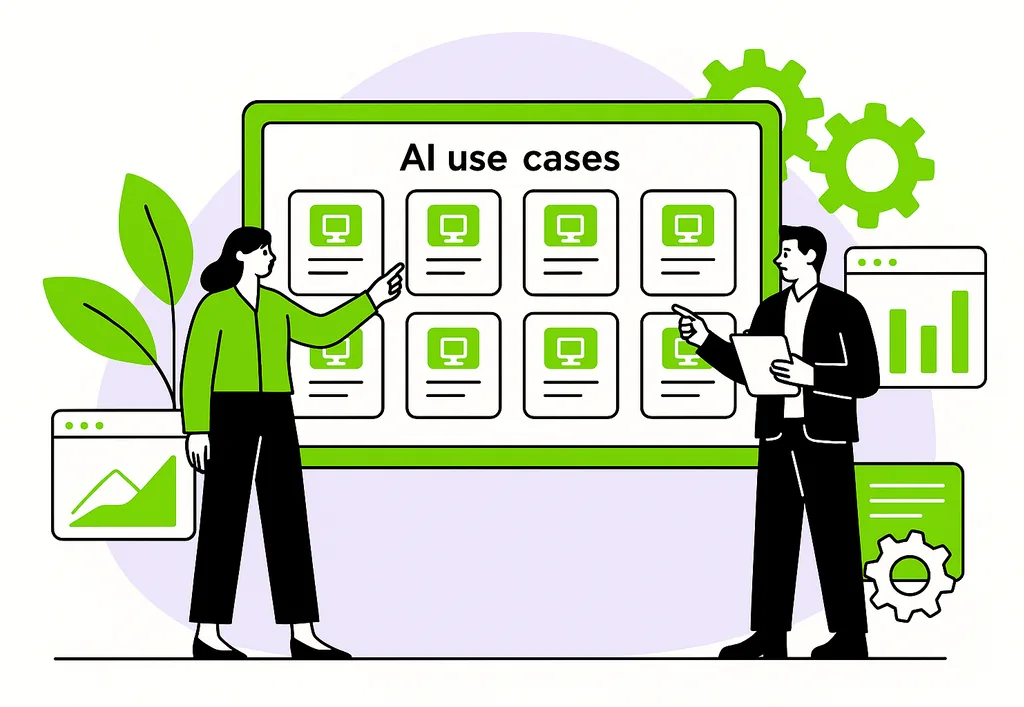
AI email agent use cases in business
Sorting and routing incoming email
This is the most common starting point. The agent reads what arrives, identifies the nature of the request, classifies it and routes it to the right team or system. On that scope alone, it absorbs a daily load nobody enjoys carrying.
Receiving and processing documents
Contracts, forms, certificates, onboarding paperwork: documents arrive by email from external contacts. The agent extracts the expected information and can chase the sender when a document is missing, without anyone monitoring the inbox.
Processing supplier invoices
Same logic, with higher stakes on accuracy. The agent checks key fields, flags inconsistencies and prepares the data for accounting integration. Incomplete invoices get caught on arrival, not three weeks later.
Qualifying customer support requests
The agent qualifies the request, gathers context, drafts a reply and asks for missing details. Cases outside its scope escalate to a human team, following rules defined in advance.
Isolating legal documents
Contracts, amendments and negotiation threads are separated by matter, so that the agent only ever sees the documents needed for the review at hand, and nothing else. This is the isolation logic taken to its conclusion.
Answering inbound commercial requests
The agent qualifies a quote request, sends the information asked for and routes the thread to the right person with the context already gathered. This stays firmly on the reply side of the exchange. Cold outreach is a different discipline, with its own deliverability constraints and its own dedicated tooling.
Getting a sensitive action approved by email
An agent working autonomously on a high-stakes task emails its proposal to the person accountable, who approves or corrects it in a simple reply. Oversight happens in a tool everyone already knows, with no extra interface to deploy and no training to plan.
Automating back-office tasks
Recurring requests, confirmations, missing information: the agent collects, clarifies, structures and passes the result to the next system. This is often where the time saved is most visible, provided the process is clearly defined upstream. An agent does not rescue a fuzzy workflow, it exposes its blind spots. Wiring it into the rest of your systems is a question of software architecture for agentic systems.
Different levels of maturity
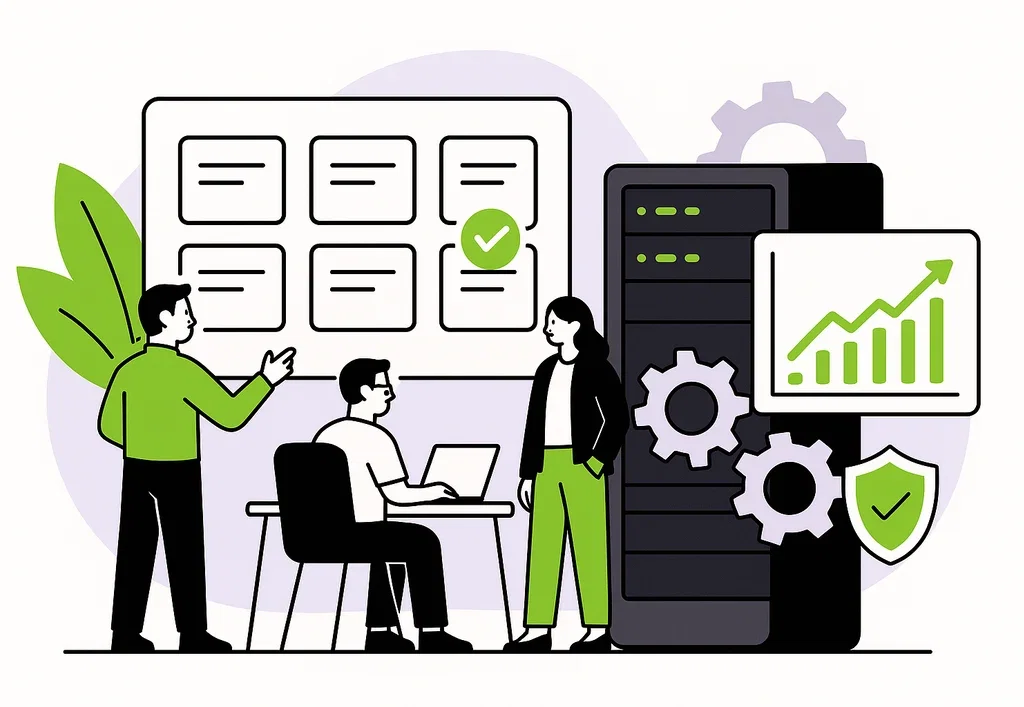
These use cases do not all roll out at the same pace. Sorting incoming email and collecting documents hold up on bounded scopes with human review. Invoices, support and legal documents still belong to supervised pilots, where approval stays under human control. That is the normal rhythm of going to production: bound the scope, watch it, then widen.
How to set up an AI email agent
Deploying an AI email agent takes six steps. None is optional, and the order matters: the first three define the perimeter, the next three make it operable.
- Create a dedicated mailbox. The agent gets its own address, tied to one specific process and separate from internal inboxes.
- Define the exchange rules. You decide who may write to the agent, and who the agent may reply to. Everything else is refused.
- Route emails and attachments. Relevant documents and requests land in that mailbox rather than in a shared or personal inbox.
- Connect the agent. It reaches messages through an interface limited to its scope, without holding corporate mail credentials.
- Constrain replies. The agent can only write to approved recipients, following the rules set for that process.
- Log operations. Receipts, sends and rule changes are recorded, for monitoring and for audit.
A word on step 4. One standard has emerged for connecting an agent to a data source: MCP, the Model Context Protocol. It is a normalised way of exposing tools to an AI, much like a universal socket. An agent connected over MCP gets the actions it needs, read a message, fetch an attachment, reply, and nothing else.
Give your AI agent a mailbox of its own
Mail4AI is the email gateway we built for AI agents: one dedicated mailbox per process, explicit rules on senders and recipients, and hosting in France.
AI email agent best practices
Give every agent its own mailbox
This is the rule every other one depends on: one agent, one process, one address. That mailbox serves this treatment only and holds only the messages that concern it.
The first benefit is operational. The agent has an identity of its own: the people writing to it know who they are addressing, and replies come back to the right place. The conversation stays threaded, attachments included. And the mailbox becomes the memory of the process, available at any time.
The second benefit is control. The agent’s scope is visible at a glance: what is in the mailbox concerns it, what is not does not. You know exactly what it can reach, which is rarely true when it is plugged into an existing mail account.
Do not plug an agent into your corporate mail system
This is the most tempting shortcut, and the riskiest. Connecting an AI email agent to an existing Gmail or Outlook account takes ten minutes with a no-code tool. The problem shows up afterwards.
A real mailbox holds years of exchanges, contacts and attachments with no bearing on the target process. The permissions granted to that kind of connection are broad by design: they were built for a human user, not for an agent scoped to one task. You are granting access to a mail account, not access to a process.
That leaves the middle option, and the most common one: creating a fresh address inside your Google Workspace or Microsoft 365. It is a genuine improvement, since that mailbox holds no history. Two limits remain all the same.
The first is about permissions. Application-level access granted to an agent rarely covers only the target mailbox: by default it extends to every mailbox in the domain, and narrowing it takes explicit configuration. The second is about sending: neither of these platforms offers a list of approved recipients with deny by default. You have to build it yourself, in your own code.
The table below sums up what a genuinely dedicated mailbox changes.
| Criterion | Agent on a mailbox in your corporate mail system | Agent with a dedicated mailbox |
|---|---|---|
| Data scope | Depending on permissions, often beyond the target mailbox | Only the process messages |
| Permissions | Broad, modelled on human use | Limited to required actions |
| Credentials | Tied to your corporate directory | Agent-specific and isolated |
| Outbound sending | No native recipient allowlist | Limited to approved recipients |
| Traceability | Mixed in with user activity | Centralised on the process |
| Shutting the agent down | Revocation with uncertain reach | Close the mailbox, scope ends |
Approve senders and recipients explicitly
Two allowlists beat one: the first defines who may write to the agent, the second who the agent may reply to. The principle governing both is deny by default: anything not explicitly approved is blocked.
The outbound list matters most, and is the one most often neglected. An agent receiving a malicious message could be led into forwarding information to an outside address. If that address is not on the list, the reply never leaves. The rule outranks whatever the agent understood.
Treat every incoming email as untrusted content
An incoming email is text written by an outsider. An AI agent, meanwhile, executes instructions written in plain language. The risk follows from those two facts: a message can carry disguised instructions meant to divert the agent from its task. This is known as prompt injection.
The defence is architectural. Email content must reach the agent as data to be analysed, clearly separated from the trusted instructions that define its mission. The agent reads the message, it does not obey it.
That separation has to be enforced by the system, not by the wording of a prompt. An agent merely asked to ignore suspicious instructions will eventually follow one.
Put boundaries around attachments
Attachments concentrate both the value of the process and most of the risk. They carry the invoice or the contract, and they can carry a hostile file or a document with hidden instructions. They deserve a path of their own, separate from messages:
- Permitted file types,
- A maximum size,
- A check before the agent ever sees them.
An AI email agent that accepts any file from any sender is an open door into your information system.
Calibrate the level of human validation
Not every email calls for the same level of oversight. Classifying an incoming request carries no consequence. Approving an invoice for payment or answering a customer complaint does.
The production logic is to start with systematic human validation, then relax it on low-stakes cases as results hold up. Keep humans on sensitive decisions, let the agent run on the rest. We cover this in depth in our article on human in the loop.
Log everything you may have to account for
An agent processing email makes decisions. Sooner or later someone will ask why that invoice was rejected, or who approved that reply. With no log, the question stays unanswered. Three things are worth keeping:
- Messages received and sent,
- Actions triggered in your systems,
- Changes to the approval rules.
That last one is the most commonly forgotten, and the first an auditor will look at.
Where the data sits matters just as much. An AI email agent handles personal data and commercial documents: knowing where they are hosted and under which legal framework is not an administrative detail.
The most common mistakes
Starting too broad. An agent meant to handle every email in a department fails everywhere instead of succeeding somewhere. One process, a bounded scope, clear acceptance rules: that is how a reliable system emerges.
Mistaking a chain of automations for an agent. Wiring a trigger to a language model produces a convincing demo, not a system that holds up in production. The difference plays out in handling unforeseen cases, recovering from incidents and proving what happened.
Letting the agent send email from day one. A drafting phase, where its replies are prepared then reviewed, reveals in days what weeks of testing would not.
Treating security as a layer to add later. Dedicated mailbox, allowlists, separation of external content: these are structural choices. Retrofitting them means rebuilding the project.
Taking an AI email agent to production with Castelis
Between an agent that works in a demo and an agent that processes your email every day lies a gap most projects underestimate. That gap is exactly what we work on: framing the process, designing the agent, securing it and running it over time.
On email specifically, we built the tool we were missing. Mail4AI gives every AI agent its own mailbox, with explicit rules on approved senders and on the recipients it may reply to, hosting in France with OVHcloud and logged operations. The practices described above are built in rather than reassembled project after project. That is what we deliver through our AI solutions.
An email process ready for an AI agent?
We frame the process, design the agent, secure it and run it in production, with the level of control and traceability real-world use demands.
FAQ
What is an AI email agent?
An AI email agent is an autonomous system that handles a business process running on email. It reads incoming messages, extracts the relevant information, acts in your applications and replies to approved contacts. Unlike an assistant, which offers drafts and waits for your approval, it carries out the task on your behalf within a framework defined in advance.
Can you connect an AI agent to Gmail or Outlook?
It is technically possible but hard to keep under control in production. Creating a fresh address in your corporate mail system removes the history problem, but not the other two: application-level permissions granted to an agent rarely cover only the target mailbox, and neither of these platforms offers a native list of approved recipients with deny by default. The recommended practice is a dedicated, isolated mailbox with explicit exchange rules both inbound and outbound.
Can an AI email agent send emails on its own?
Yes, provided that capability is constrained. The good practice is a list of approved recipients with deny by default: the agent can only write to approved contacts, whatever its reading of the incoming message. Early in a deployment, it is wise to have replies prepared as drafts and reviewed before switching to automatic sending.
How much does an AI email agent cost?
Cost depends on the volume handled, the number of processes covered and the depth of integration with your applications. It generally combines mail infrastructure, AI model consumption and process design. A bounded scope on a single process lets you measure the real gain before extending, which remains the safest way to assess return on investment.
 Équipe Access it
 7 min
7 min
 24 Sep 2026